

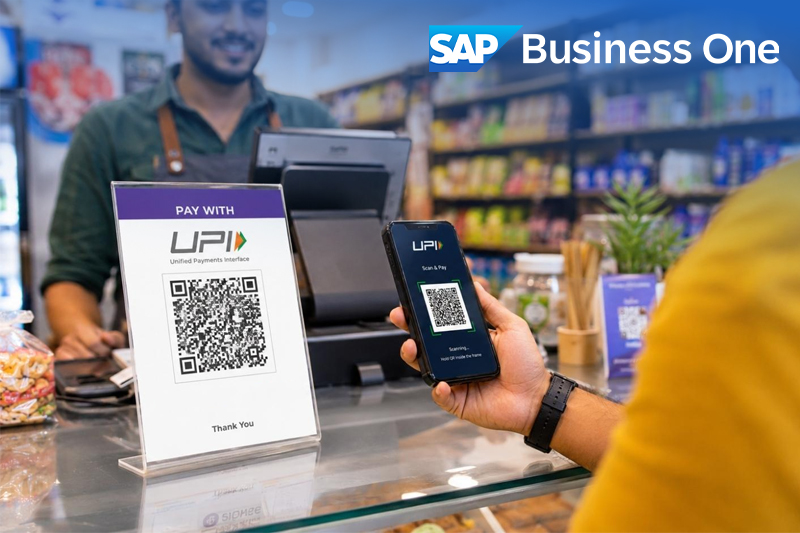
SAP Business One for Retail Industry: Why UPI Collections Do Not Match Daily Sales
The shutters are down and the POS shows a healthy total for the day. Then finance opens the payment report and the bank statement, and neither agrees with it. Usually nothing has gone missing. Sales totals include cash and cards, transactions fall into different reporting periods, refunds are booked separately, or a payment record hasn't synchronised. A connected set-up built around SAP Business One for retail industry puts these records side by side, so the gap becomes something you can investigate instead of argue about.
So compare like with like. Take the UPI-tagged transactions from the POS, check them against the payment records, and only then trace the confirmed receipts to bank entries. Setting total sales against a bank credit is where most retail daily sales reconciliation goes wrong. Here's a hypothetical example, not client data. A store reports ₹1,00,000 in total sales, and ₹60,000 of it was paid by UPI. Finance should begin with ₹60,000 when checking UPI collections. The other ₹40,000 sits in cash, cards and other tenders and belongs in a separate check.
Are You Comparing Sales, UPI Collections or Bank Settlements?
They're three different numbers, which is why they rarely match. Table 1 shows what each one measures. Table 1: The three records and what each represents| Record | What it represents |
| POS sales report | Recorded sales, separated by payment method and adjusted according to the report's treatment of returns |
| UPI transaction report | Payment transactions and their reported statuses |
| Bank statement or settlement report | Funds credited or settled during the selected period |
What Usually Causes a UPI Reconciliation Difference?
Five things explain most mismatches. The first is mixed tenders: total sales include cash, cards and other methods alongside UPI. The second is cut-off. The POS, the payment provider and the bank can each close their day at a different time, so a sale at 11:50 pm may land in three different periods. Third, a sale can be marked paid at the counter before the merchant's payment record confirms success, which leaves pending and failed attempts in the gap. Fourth, refunds and reversals often show up as separate entries, sometimes in a later period. Last come missing or duplicate records, from manual entries, the wrong tender picked at billing or an integration that dropped a transaction. A UPI settlement mismatch is often a timing issue rather than a missing payment, and settlement arrangements vary, so don't assume every UPI payment reaches the bank on the same schedule or with the same deduction. Check your own agreement. That list is also the answer to what a retailer should look at when UPI payment reconciliation for retailers turns up a difference between receipts and POS totals.How Can SAP Business One Support the Matching Process?
It can support a configured POS payment reconciliation workflow. It won't match every UPI payment on its own, and how much it automates depends on your POS, the integration, your access to bank data and how it's set up. A practical sequence runs like this. First, bring the relevant POS sales and payment records into the agreed process. Second, match them using references, amounts, dates and store identifiers. Third, trace confirmed collections to the corresponding bank receipts. Fourth, flag anything unmatched, duplicated or inconsistent. Fifth, give each exception to a named person to investigate. Payment-provider connectivity, transaction-level matching and exception automation all vary between set-ups. So before you commit to any SAP Business One payment reconciliation design, ask your partner to show the proposed integration working on your own transactions. For retail ERP software in India, that demonstration tells you more than a feature list. Ingold Solutions is an SAP Silver Partner that works with retailers and online shops across India, building on SAP Business One's bank statement processing and reporting.What Should Finance Check Before Closing the Day?
A daily UPI reconciliation comes down to six checks:- Filter sales by UPI tender.
- Align reporting dates and cut-off times.
- Check the merchant-side payment confirmation.
- Separate refunds, reversals and pending entries.
- Investigate missing references and duplicates.
- Record any unresolved difference with an owner and a follow-up date.










 Applicable for Package
 Optional